The Small Business Website Checklist That 90% of Web Designers Skip
After auditing 50+ small business websites, here are the 23 things that separate sites that generate leads from expensive digital brochures collecting dust.
TLDR
Most small business websites fail at the same 23 things: no clear CTA above the fold, missing or broken contact forms, generic stock photos, no schema markup, duplicate meta titles across pages, no mobile-responsive navigation, slow load times from unoptimized images, missing SSL, no Google Business Profile integration, and zero internal linking strategy. This checklist covers every item with specific fixes and the tools to implement them — whether you're hiring a developer or doing it yourself.


Quick Check
True or false: AI tools will replace the need for SEO entirely within 2 years.
Why Does My Website Look Good But Generate Zero Leads?
Because looking good and performing well are different things. I've audited over 50 small business websites in the past year. The pattern is always the same: the business owner paid $3,000-8,000 for a 'custom website,' got something that looks decent on a laptop screen, and then... nothing. No calls. No form submissions. No organic traffic. The designer delivered a digital brochure, not a lead generation system.
The gap between a website that exists and a website that works comes down to 23 specific, fixable items. None of them are about visual design. All of them are about functionality, discoverability, and conversion.

Section 1: The Conversion Killers (Items 1-8)
Item 1: No clear CTA above the fold. When someone lands on your homepage, they should know what you want them to do within 3 seconds. 'Get a Free Quote,' 'Book a Consultation,' 'See Our Work.' Not buried in the footer. Not hidden behind a hamburger menu. Visible, specific, and action-oriented without scrolling.

Item 2: Contact form that doesn't actually send. This is shockingly common. The form exists, it even shows a 'thank you' message, but the submission goes nowhere because the form backend was never configured. Test your contact form from a device you've never used before, every month. If you don't get the submission in your inbox within 60 seconds, it's broken.
Item 3: Missing phone number and email in the header. If you're a local service business, your phone number should be in the header of every page. Not a 'Contact Us' link. The actual number, clickable on mobile. Every extra click between a potential customer and reaching you is a leak in your funnel.
Section 2: The SEO Failures (Items 9-16)
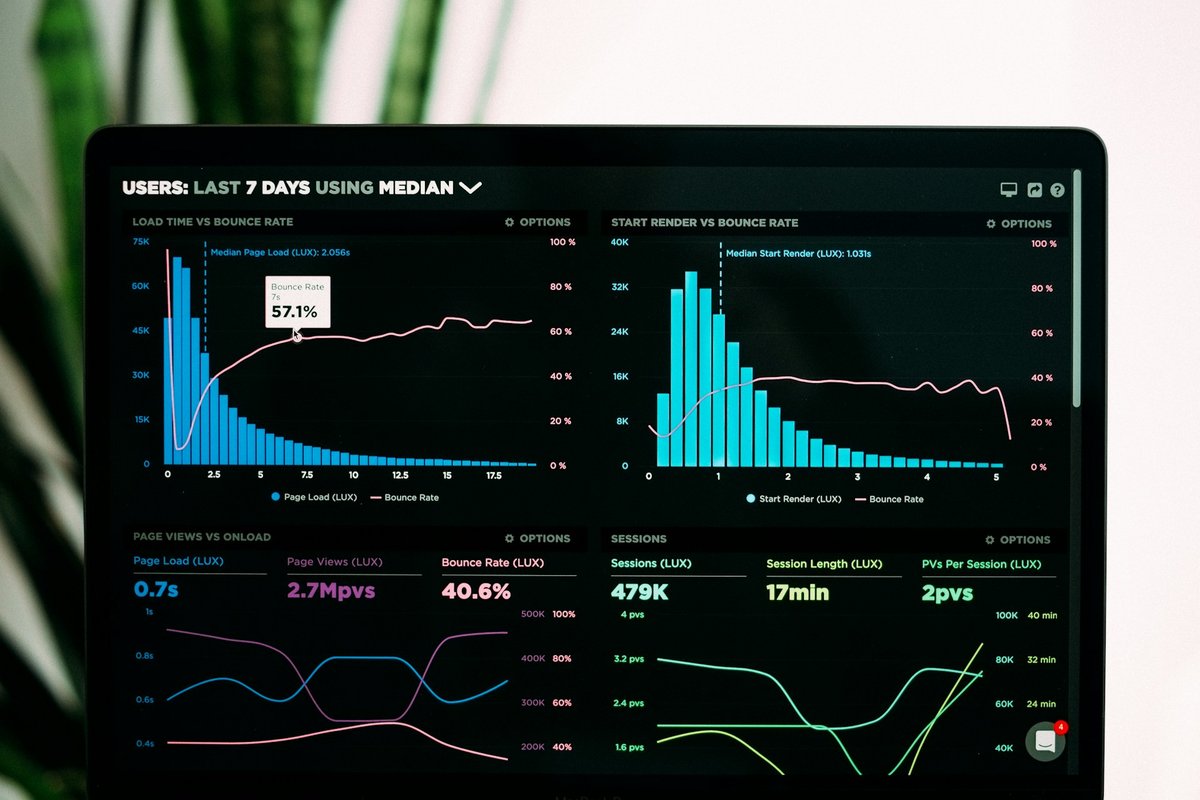
Item 9: Every page has the same meta title. This is the #1 SEO failure I see. The homepage, about page, services page, and contact page all share the same title tag: 'Company Name | Some Generic Tagline.' Google can't differentiate your pages. Each page needs a unique, keyword-targeted title that describes what that specific page is about.
Item 10: No XML sitemap. Google still uses sitemaps to discover your pages efficiently. If you don't have one at yoursite.com/sitemap.xml, you're relying on Google to crawl every link on your site manually. Next.js generates sitemaps automatically. WordPress has plugins for it. There's no excuse for a missing sitemap in 2026.
Item 11: Zero schema markup. JSON-LD structured data tells Google exactly what your business is, where it's located, what services you offer, and how to reach you. Without it, you're leaving rich results on the table — the star ratings, business hours, and FAQ expandable sections that make your search listing stand out from plain text links.
Frequently Asked Questions
How much should a small business website cost in 2026?
A functional business website that generates leads should cost $3,000-10,000 for custom development, or $500-1,500 using a managed platform like Squarespace with professional setup. The price matters less than what you get — make sure the 23 items on this checklist are included regardless of budget.
Can I fix these website issues myself?
About half of them, yes. CTA placement, meta titles, contact information visibility, and image optimization are things you can do with basic CMS access. Schema markup, site speed optimization, and SSL configuration typically require a developer. Start with the conversion killers (items 1-8) since they have the most immediate impact on leads.
How do I know if my website is generating leads?
At minimum, set up Google Analytics 4 and track form submissions as conversion events. Better: use UTM parameters on all marketing links, set up call tracking with a dedicated phone number, and review Search Console for impression and click data weekly. If you can't measure it, you can't improve it.
Where Are You Right Now?
What's your biggest challenge with AI and your business right now?
Related Articles



Ready to put this into action?
Let's talk about how AI automation and smart digital strategy can drive real results for your business.
Enjoying this content? Pin us as a priority in Google.
Make us your preferred source on Google